
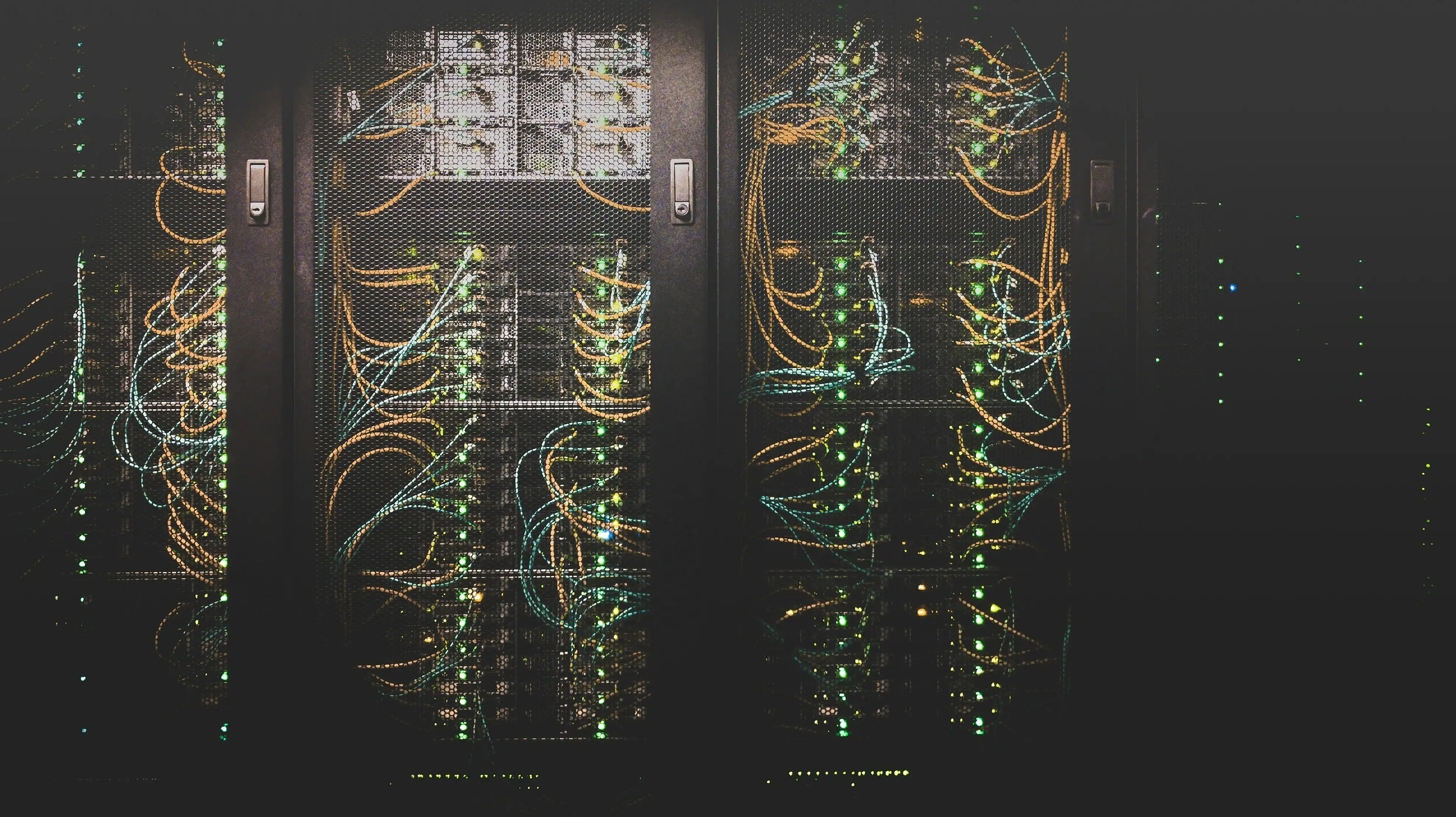
Data center migration moves IT infrastructure from one location to another — facility to facility, on-prem to colo, or on-prem to cloud — without downtime or data loss. It’s the close cousin of decommissioning, and the two almost always travel together: you migrate the workloads and gear you’re keeping, and you decommission the gear you’re leaving behind. The risk in both is the same — a broken chain of custody and a system that doesn’t come back up the way it went down.
Migration vs. decommissioning
- Migration relocates hardware (or workloads) to a new home and brings it back online.
- Decommissioning retires hardware permanently — sanitizing the data, recovering value, recycling the rest.
A real-world move is usually both: the systems you’re keeping get migrated; the redundant or end-of-life gear gets decommissioned. Running both under one chain of custody is what keeps a single asset from falling through the gap between “moved” and “retired.”
The three kinds of migration
- Facility to facility. Physically moving racks to a new building — deinstall, transport, reinstall. The hard part is mapping everything so reinstall is exact.
- On-prem to colocation. Moving owned hardware into a colo cage. Same physical move, plus coordinating with the colo’s access and power.
- On-prem to cloud. Workloads move to the cloud; the physical hardware left behind becomes a stranded asset to decommission and recover value from — not abandon in a closet.
How to migrate without losing the trail
- Map dependencies first. Know what talks to what before anything moves, so nothing in production gets pulled prematurely.
- Label everything. Every port, cable, and rack position labeled and photographed, so reinstall reproduces the source exactly.
- Sequence around cutover windows. Move in an order that keeps business-critical systems available.
- Keep one chain of custody. Track every asset by serial — moved or retired — so the inventory reconciles end to end.
- Decommission what you’re not taking. Don’t pay to move dead weight. Retire it, recover the value, and sanitize the data with a certificate per serial.
The cloud-migration trap
The most common mistake in a cloud migration is treating the on-prem hardware as someone else’s problem once the workloads are live. That gear still holds data and still has resale value. Left in a closet, it’s both a breach risk and a write-off. Decommissioned properly, it’s a certificate trail and a check back.
CTS handles the physical migration and the decommissioning of what’s left behind under one chain of custody. See data center decommissioning, the decommissioning checklist, or talk to the team about a move.